
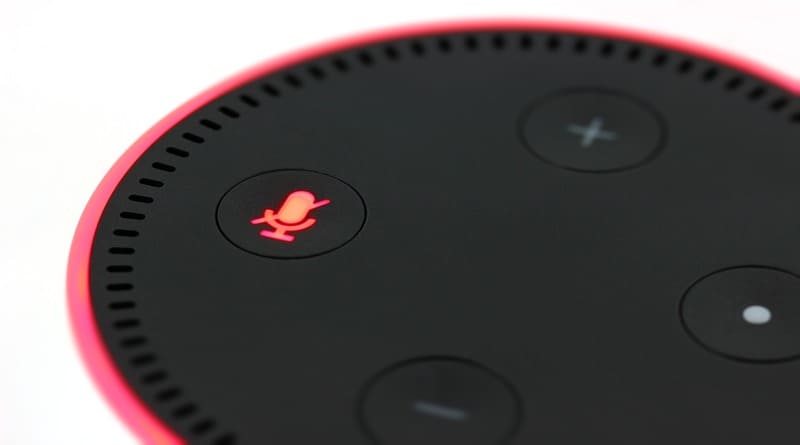
A practical function of the Alexa digital assistant, among the many that it is capable of assuming, is that it allows you to know the content of a package sent by Amazon and whose arrival is expected. However, this feature may become a defect if the content of the package is a Christmas gift and must be kept secret until Christmas Day or Three Kings Day.
The good thing is that there is a way to tell Alexa that it is a Christmas gift and that she should keep it a secret. In this article you will learn how to:
Steps to prevent Alexa from revealing your Christmas gifts
To prevent the surprise that comes through an Amazon package from being a surprise, you must follow the following instructions:
-Open the Alexa app
-Press on the "More" button in the lower right corner
-Select the "Settings" menu. Then go to the “Notifications” section and then to the one that indicates “Amazon Purchases”
-Disable the option "Show or announce product names" in the section that allows you to discriminate between those that are marked as gifts or those that could be considered Christmas gifts.
From that moment on, Echo speakers and other connected Amazon devices will continue to send notifications regarding shipments and their status, but those that have been marked as gifts upon purchase (or that Alexa considers may be) will not include the description corresponding to the content.
In this way, the information related to the shipment of the order can still be known, but without a potentially inopportune description of its content which can put an end to the surprise if they are gifts, something especially to keep in mind at Christmas when there are little ones at home.
Obviously, a large part of the optimal functioning of this function depends on marking it as a gift when placing the order, although Amazon claims that Alexa is capable of making this discrimination on its own to mark those purchases that potentially could be gifts as gifts.
Leave a Reply