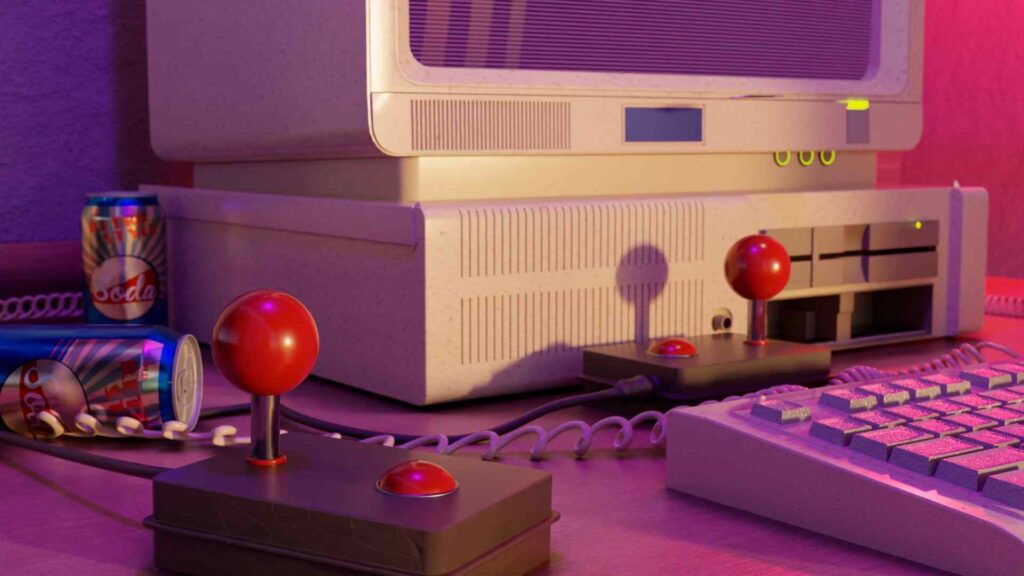
To remember those video games from your childhood that you enjoyed so much, you can use the retro console emulatorsplatforms that allow you to play classic titles on modern devices such as computers, smartphones or tablets.
Relive sagas from your past gamer with these tools with enhanced graphics and anywhere. These are the most recommended options and how to run them on your computer.
Recommended emulators to play retro games
These are the retro console emulators that you can use on your computer or smartphone to relive games from your childhood or that you haven't seen in a while:
RetroArch (iOS, Android)
It is an emulator for your smartphone or tablet that allows you to relive retro console games. You just have to download the app, select the console you want to play and adjust the appearance to maintain originality. Download the core or emulators you want to use, select the system of your choice and load the game of your choice.
You will also have to customize the controls and buttons to play. Normally those from PlayStation and Xbox are taken by default, but if it is a video game from another console you will probably have to configure them manually.

Lemuroid (Android)
It is a multi-console emulator that allows you to play retro games, you just have to copy your downloaded game files to its home folder. When you open the app it will ask you to choose the path of the root folder, this is where you should move or paste your game files. Allow read access so the tool can run them and select the game you want to play.
It works with various retro consoles such as Atari, Sega, Nintendo, Super Nintendo, Play Station, DS, among others. For the controls, it will depend on the selected console, its configuration can be manual or automatic, and an external controller with a Bluetooth connection or USB port can be used.

Ares (MacOS, Windows, Linux)
It is a multi-console emulator that you can use on your personal computer. Emulates retro games from consoles such as Arcade, Atari, Nintendo, Coleco Vision, MSX, Game Boy, SEGA, PlayStation and some more.
To use it you must have game files already downloaded on your device and copy or move them to the Ares launch folder. In the "Load" tab there are all the games, select the one you want to play.
Configure the extra controls and controllers you want to include, adjust visual effects to the size of your window, apply filters and improve the appearance of your game.

ClassicBoy Pro (Android)
It is an emulator with a large library of games to access from different retro consoles. To use, you must connect the app to a server on its own list, depending on the console you want to play. You can change cores during a game if you want to play another game from another console.
If you have a downloaded file of a game, you can upload it to its root folder and the system automatically scans and detects it to play it. The interface can be customized to fit the layout you want, the controls and buttons can be configured to be similar to the console you selected.

Dolphin (Windows, Linux, MacOS, iOS, Android)
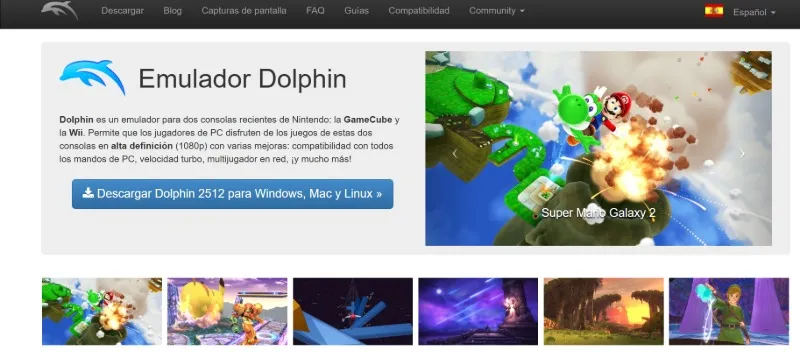
It is a multi-console emulator to play retro games from your phone, tablet or computer. Relive console games like Wii or GameCube in high definition. To use it you must download the program and load the game files that you have available, the tool will show them with their cover. Configure the buttons and controls on the controller to start the game.
Recalbox (Android, Windows, Raspberry Pi)
It is a free open source operating system that turns your device into a retro game emulator. To use it you must download the program and install it on a microSD card or USB drive. Insert the card into the computer and once the system boots the emulator is activated, creating partitions on the disk automatically.
Add previously downloaded games or from a website with online retro games. Configure the controls and buttons to start your game.

Delta (iOS)
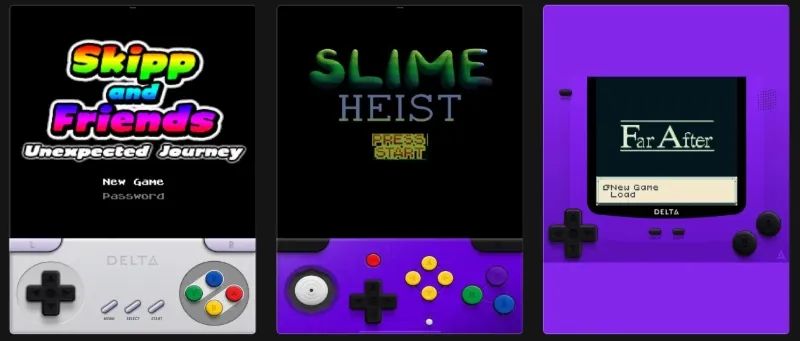
It is a retro game emulator that allows you to play classics from your past gamer on Nintendo 64, Super Nintendo, Game Boy, PS4, among others. It is open source and supports iPhone and iPad. To use it, you just have to download it to your device, upload the legal ROMs of your favorite games to the platform by pressing the plus "+" button and select them to start the game.
The controls can be configured from the app, you can link extreme commands from PS or Xbox via Bluetooth. It has functions to save games instantly.
Leave a Reply