
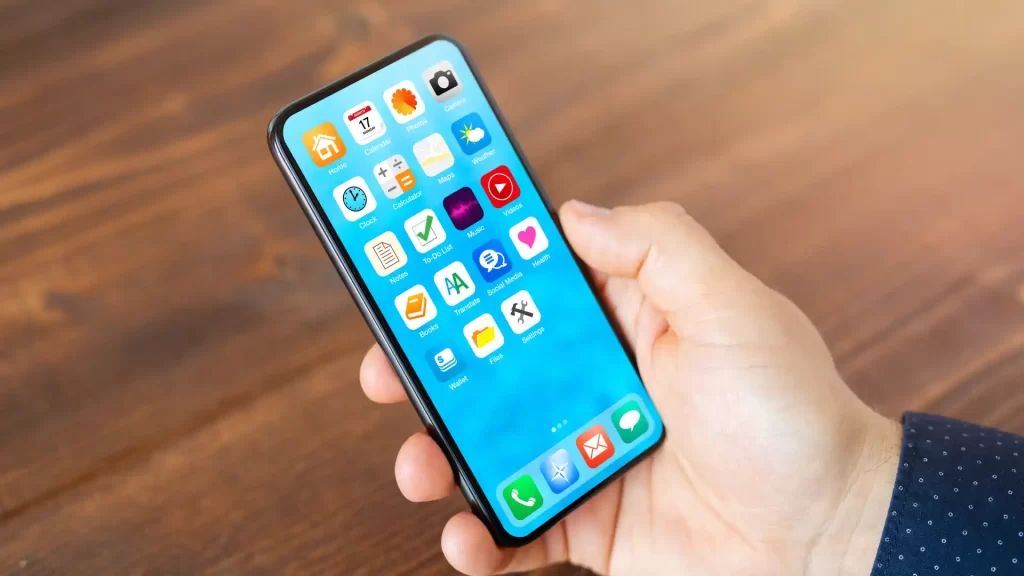
There are situations in which it may be necessary install the same app twice on Android. For example, if you have to use an app with two different accounts, one personal and one business, from the same mobile.
Is it possible to manage the same app with different profiles? Yes it is, and there are several methods to duplicate applications on the same device. There are those who do it by installing app mods, although this can be dangerous for the security and privacy of the data.
If you don't want to take risks and prefer to avoid setbacks, these are the procedures you can follow:
Methods to duplicate an app on Android phones
There are several ways to install the same app twice and use it with different profiles on Android. You have native options in the operating system itself, but you can also resort to installing third-party applications to clone apps. Learn about all the possible methods and choose the one that suits you best:
Natively with Android
Some Android phones have a native function that allows install an app twice on the same phone. However, everything will depend on the model and brand of the equipment, since the name of the function usually varies.

-Enter the mobile settings and enter "Application Management".
-Select "XClone" or the name that appears. In some mobile models it can be "Dual messaging" (Xiaomi), "Twin application" (Huawei) or "Parallel applications" in OnePlus.
-Once inside, the applications that you can clone are shown. Activate the one you want to have twice on the same mobile.
Not all applications may be available for mirroring, this usually applies to messaging applications. If you want to do it with other apps that are not available, you have to use other methods.
Using external mobile applications
There are also third-party applications to duplicate or clone apps. Its operation is based on virtualizing the platform to be able to have two versions of the same application. Each will have its own completely separate data file and can be run independently. Some recommendations are:
Parallel Space
After installing this app, enter the "Add an app" section and choose the applications to clone. Then enter it and you will have a second version of the app ready to manage with another profile.

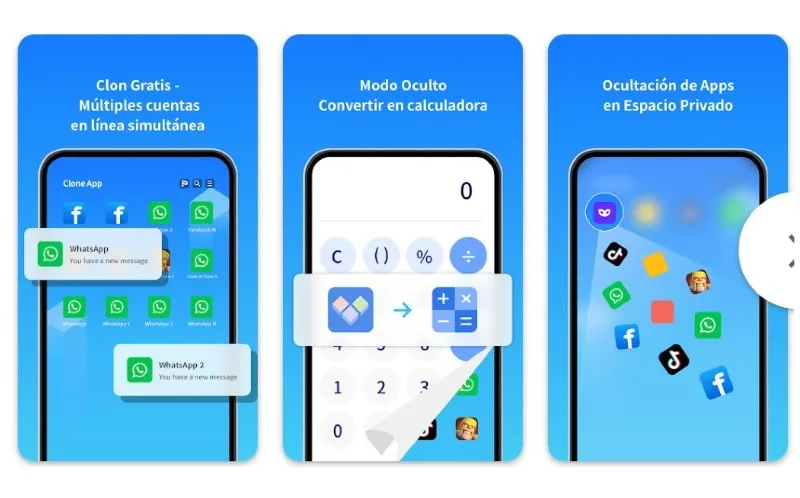
Clone App
With this app you can clone the same app as many times as you want, even more than two. Additionally, you have the option to hide these duplicate apps, along with your photos and videos folder.
App Cloner
This app allows you to manage multiple accounts in the same app and on the same mobile phone. In addition, it offers locking and privacy systems for the app with patterns, facial gestures or passwords.

With these methods it is possible have the same app twice on a mobilein addition to having privacy in each management as if it were the initially installed app. This prevents the use of unauthorized versions of WhatsApp, which in the end will only end up damaging the main account.
Leave a Reply