
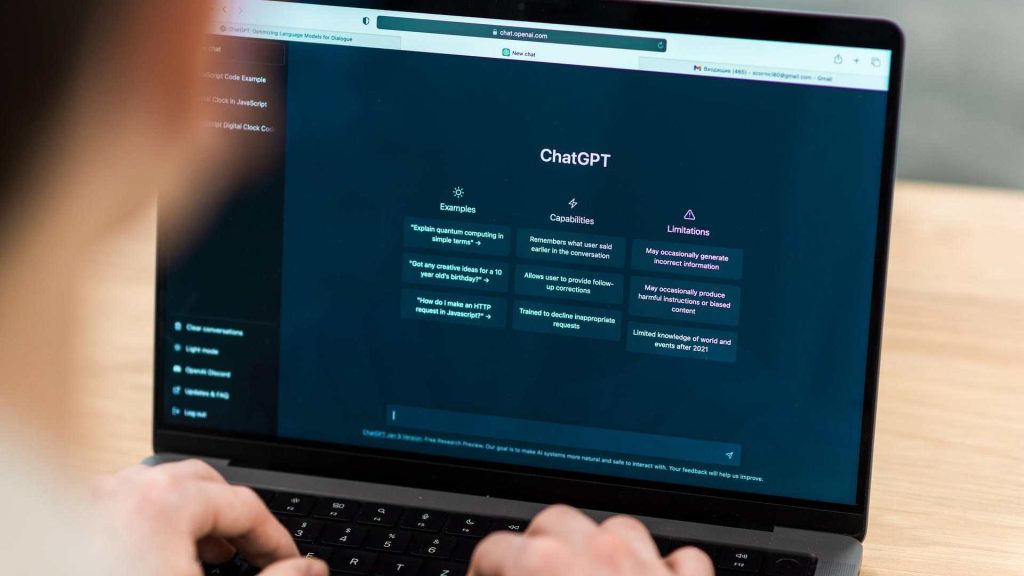
ChatGPT has plugins that turn the Google Chrome browser into a more efficient, intelligent and productive tool.
They allow you to integrate AI into the tabs you have open and carry out tasks such as writing, summarizing videos and articles or carrying out in-depth research, allowing you to save time in the activity you are carrying out.
ChatGPT integrations for Chrome change the way you browse and produce web content. In this article you will learn which are the best ones that you can currently use so that you can get the most out of the browser and what you have to do to install them.
How to install a ChatGPT plugin in Google Chrome
How to install ChatGPT plugins in Google Chrome
All you have to do is open the Google Chrome browser on your computer or mobile phone and click on the three vertical dots icon in the upper right corner of the screen.
Now select “Extensions” and go to the “Chrome Web Store” link at the bottom to access the Chrome We Store.
Type “ChatGPT” (or the specific name of the plugin you are looking for) into the search bar at the top left of the page.
The page will show the results and you will only have to press "Add to Chrome" or "Install" on the one you want.
Recommended ChatGPT Plugins for Chrome
It's just a matter of testing each integration so you can find the ideal combination to study, work, create content, automate repetitive tasks, and more:
Marline
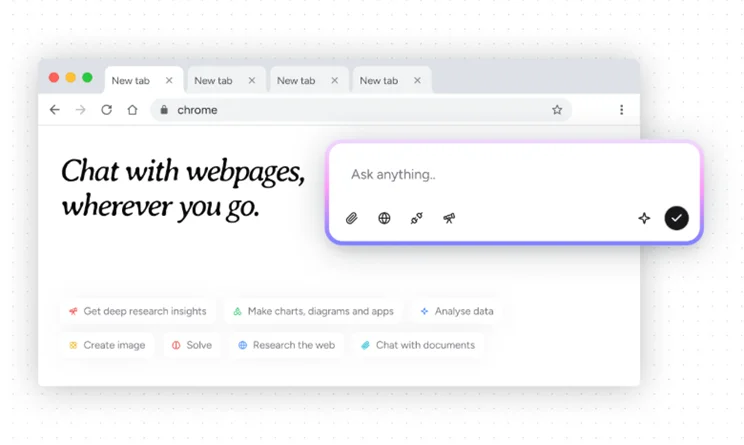
It is one of the most useful plugins because it brings together various AI models in one place. Thanks to this, you will get support for searching information, summarizing texts, translating articles and creating content.
An advantage of the integration is that it allows you to access live data, web pages and documents without leaving the Merlin platform, which is practical for convenient information management.
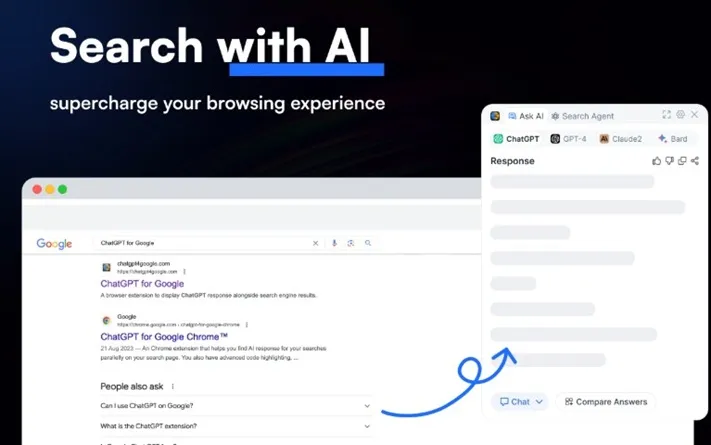
ChatGPT for Google
This is a plugin that will allow you to carry out a more precise search on the Internet, which is ideal for finding complex information or data. It integrates a search agenda that will help you find data using various keywords, which will help you to have very specific information. It has a section where it compares responses from ChatGPT, GPT-4 and Claude to improve the search experience.
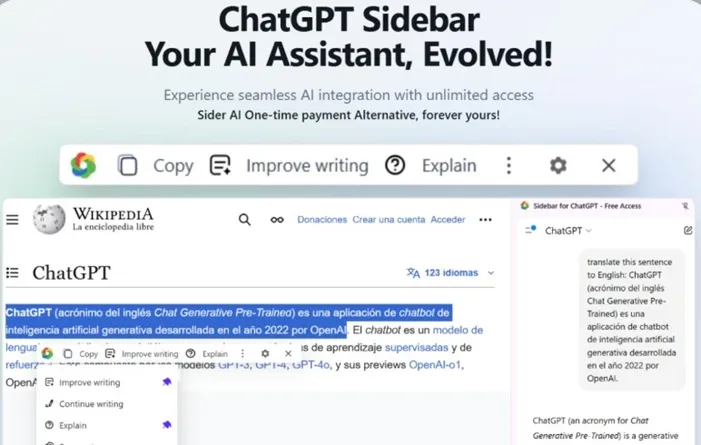
As its name suggests, it is a simple sidebar that you can open on any page to have immediate access to ChatGPT.
This way, you'll have AI at your disposal to ask you to summarize content, search for information, perform a general analysis of what you're watching, and more. The AI also has the ability to take screenshots to add explanations, notes, etc.
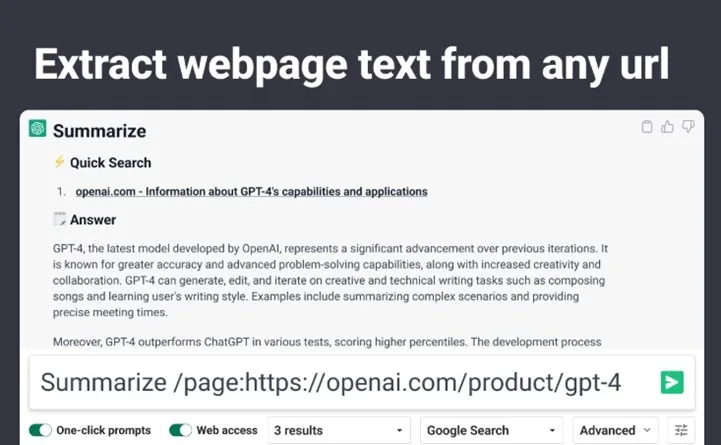
WebChatGPT
With this integration, Chrome will offer you more accurate results and with better information. In addition, it will expose the source links of all the sources you are consulting so that you know where the information comes from and consult it to verify its veracity. WebChatGPT also offers AI-generated responses to complete the data you are searching for on the Internet.
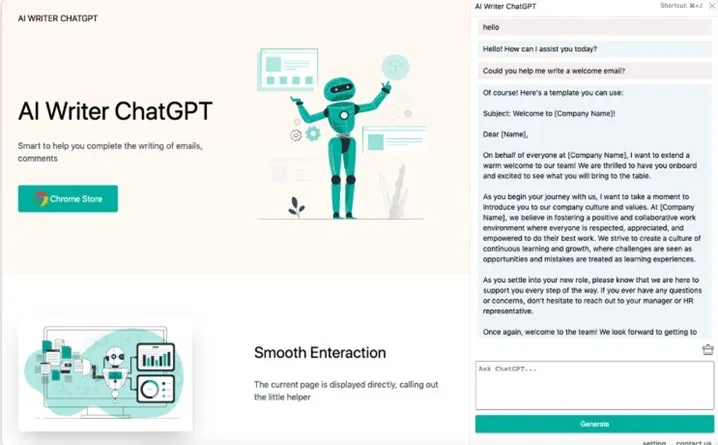
ChatGPT Writer
It works as a support that will help you write all types of content faster, such as articles, emails, responses for social networks, among others.
Its main advantage is that it is compatible with a large number of platforms, such as Gmail, Drive, YouTube, X, TikTok, Instagram, etc., so you will be well covered. Note that it supports several languages, including Spanish.
AIPRM for ChatGPT
In this plugin you will have at your disposal a library of professional prompts to run in ChatGPT. This will save you time because all you have to do is click on the prompt to use it specifically in the area where you want, such as: programming, marketing, sales, writing, SEO, among others. Mention that the plugin allows you to create your own prompts and various variables to adapt it to your needs.
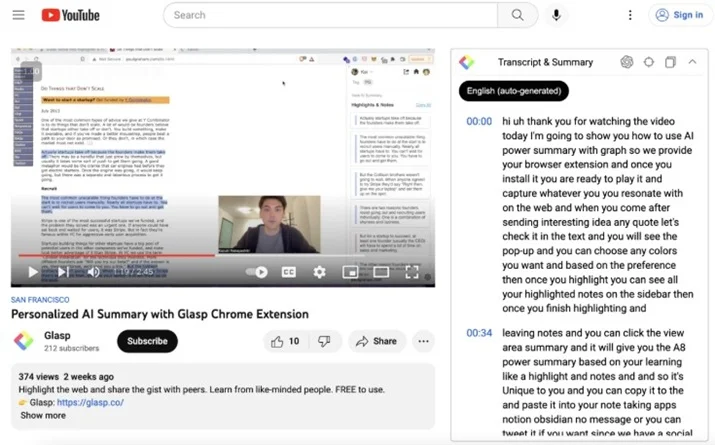
YouTube Summary with ChatGPT
A plugin that will help you obtain summaries of YouTube videos in a few seconds. In addition to videos, the integration has the ability to summarize articles and PDF documents.
The AI engine is not only based on ChatGPT, but also allows the use of other artificial intelligences such as Claude, Mistral AI and Gemini.
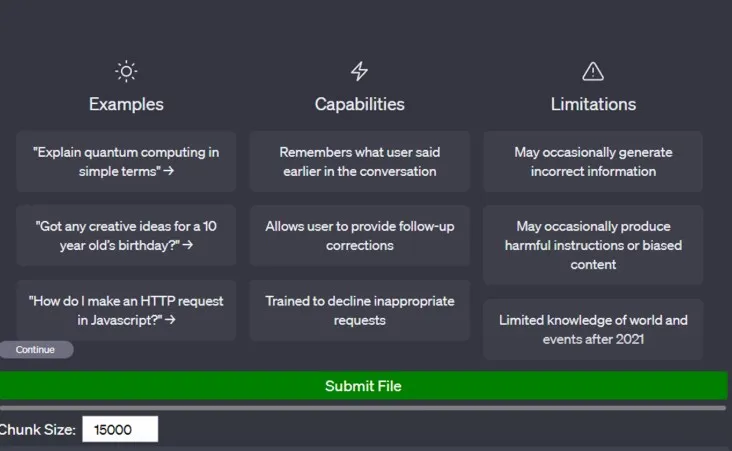
ChatGPT File Uploader
This is a plugin that will allow you to upload large files to ChatGPT so that the AI can analyze them without any type of limitation.
The integration supports a maximum of 15,000 words and is compatible with multiple formats, such as: txt, .py, .pdf, docx, .xlsx, among others.
Leave a Reply