
PDF files allow maintain the formatting of your documents and its unaltered display on various devices. In addition to being very easy to create, they are also easy to work with, which is why they are widely used in corporate environments and also for personal use.
To edit a PDF file you can use one of the best PDF file editors or also edit PDF without programs. If you choose the first option, you will find programs on the market that require purchase or subscription, but there are also very complete PDF editors on the Internet, some of them even with free versions.
In this article you will find the best web options to edit and make modifications to PDF documents. The main advantage is that you will not have to download a program and install it on your computer, but you can use them via the web.
Free PDF file editors on the Internet
There are few online PDF document editors that are completely free. Most web programs include trial versions, but force you to pay for the service later. On the other hand, in this first section you will find five programs that, although with limitations, allow you to edit PDF for free.
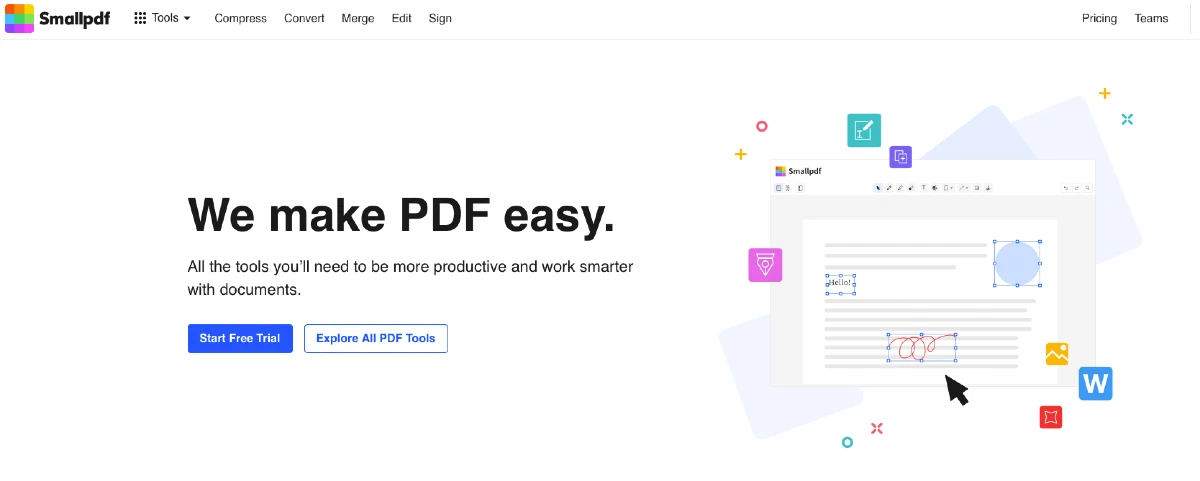
Smallpdf.com
It is one of the best free PDF editors on the Internet. It allows you to edit texts and complete images, combine files, include annotations or convert PDF to other formats such as Word, Excel or JPG. Smallpdf also includes a tool to sign PDFs and make authorship clear.
Of course, this website has an important limitation, since it only allows you to edit two PDF files per day. If you want to edit more, you need to pay a subscription. Despite everything, it offers great quality and excellent editing tools, which can be used if you do not need to edit a large number of files per day.
Zendocs
It allows you to convert and edit PDF files for free, as long as they are less than 100 MB. With this tool you can change their format, and also edit them to add texts and images, for example, or leave them signed.

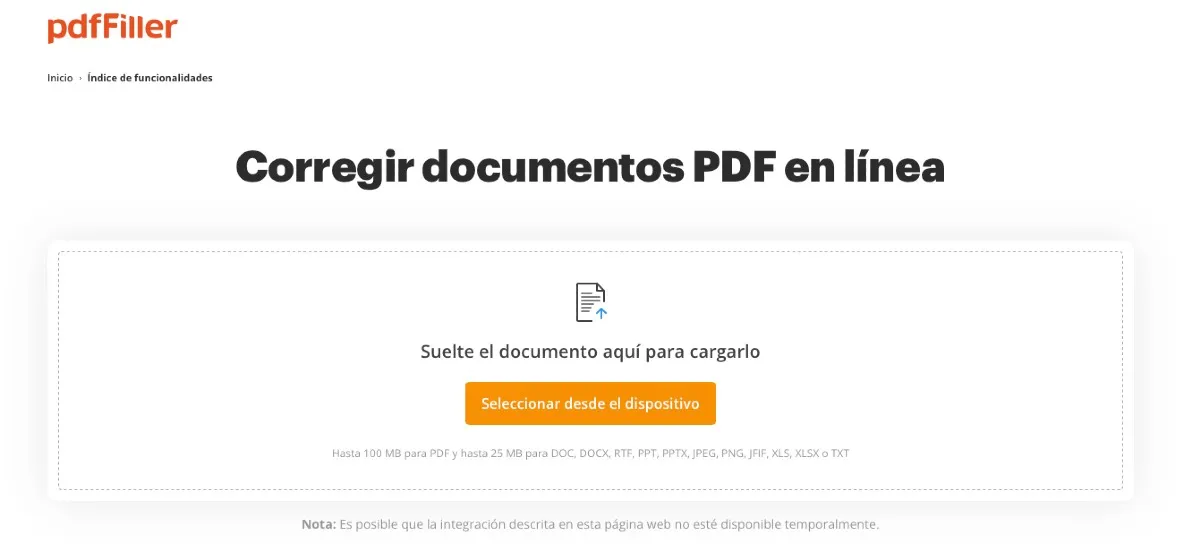
PDFfiller
Another website that allows you to edit PDF files for free. It allows you to edit files up to 100 MB, in which you can add text, sign the PDF document, print by email, export it... and even send it via Fax.
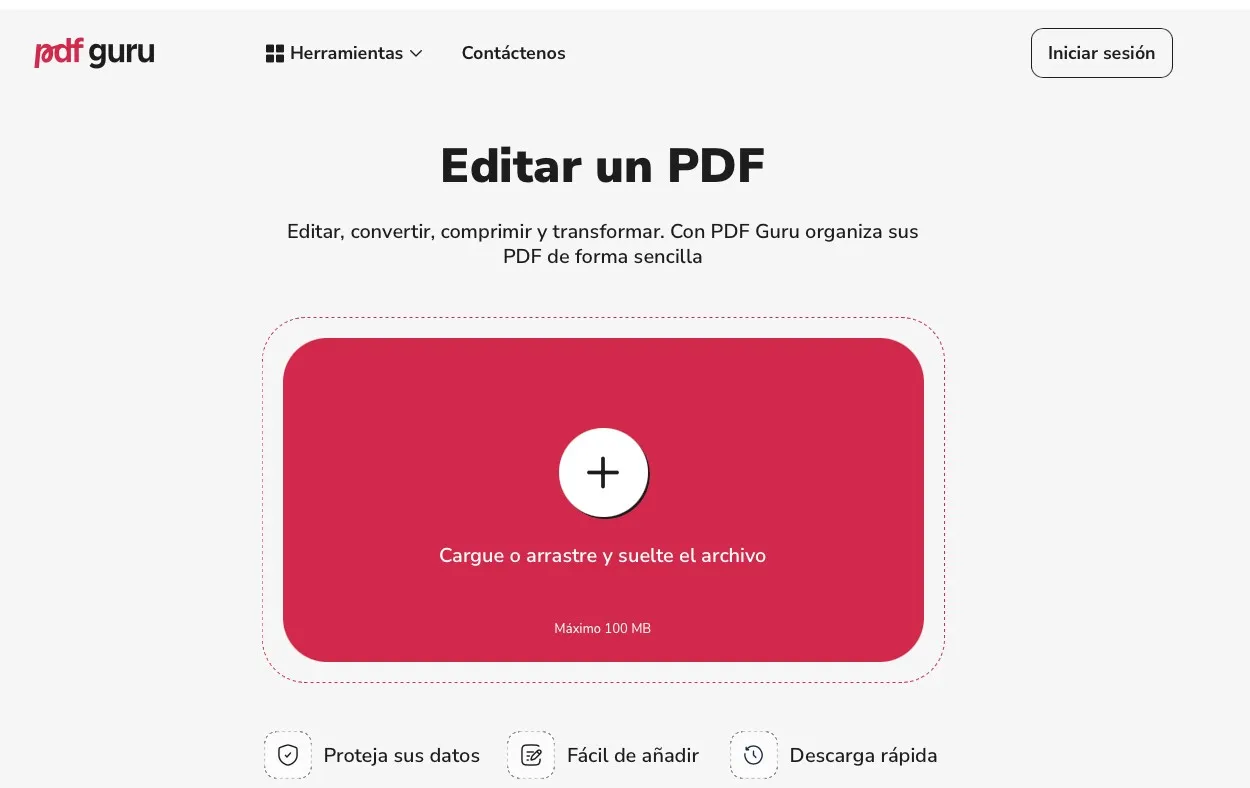
PDF Guru
With this free website you can edit, convert, compress and transform all your PDFs easily.
No need to download apps or extensions. It allows you to convert files from desktop computers, laptops, tablets, smartphones and with popular operating systems: Windows, macOS, iOS and Android.
iLovePDF.com
iLovePDF.com is also a website that allows you to edit PDF files for free, although with a daily restriction on the number of files. If you want to edit more, it will be necessary to upgrade to the paid version.
Still, the free options are notable. The editing platform is versatile and intuitive, with interesting tools. It allows you to change the format and can be used both from your computer and on mobile devices.
Paid online PDF editors
In addition to the paid versions of the online editors mentioned above, you can also take into account these three PDF editor platforms online that work by subscription. Price ranges vary depending on the length of the license, but its editing options are quite comprehensive.
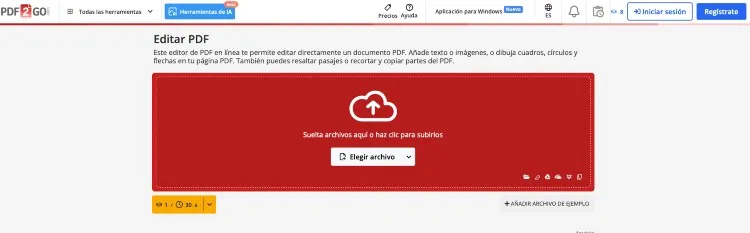
PDF2Go.com
It is a complete online PDF editor which allows you to include images and text, annotations and arrows. It is even possible to add watermarks to guarantee the authenticity of the documents. You can subscribe by purchasing credits starting at 6.42 euros per month.
You will need a certain number of credits for each action you carry out. For example, to convert a PDF file to another format you will need a credit.
Acrobat Online
Adobe Acrobat is one of the most iconic PDF editing programs. Its online version allows access and viewing of PDF files on any type of device.
The normal Adobe Acrobat standard subscription costs 15.27 euros per month, while the Pro version costs 12.09 euros per month if contracted for 12 months. In both cases, you can enjoy a free trial.

Sejda.com
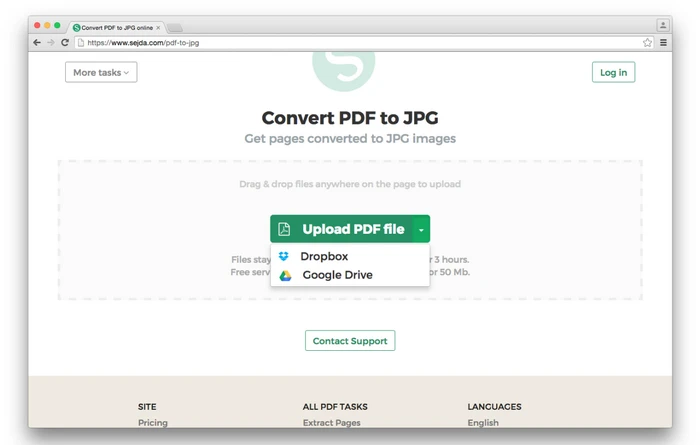
The Sejda PDF editor platform is also a very interesting option. It allows you to edit the PDF, divide it into several documents, join several into one... and even within its privacy options, the ability to shield the PDF stands out.
You can subscribe to Sejda for a week for a price of $5, while the monthly subscription costs $8 and the annual subscription costs $71.
Leave a Reply