
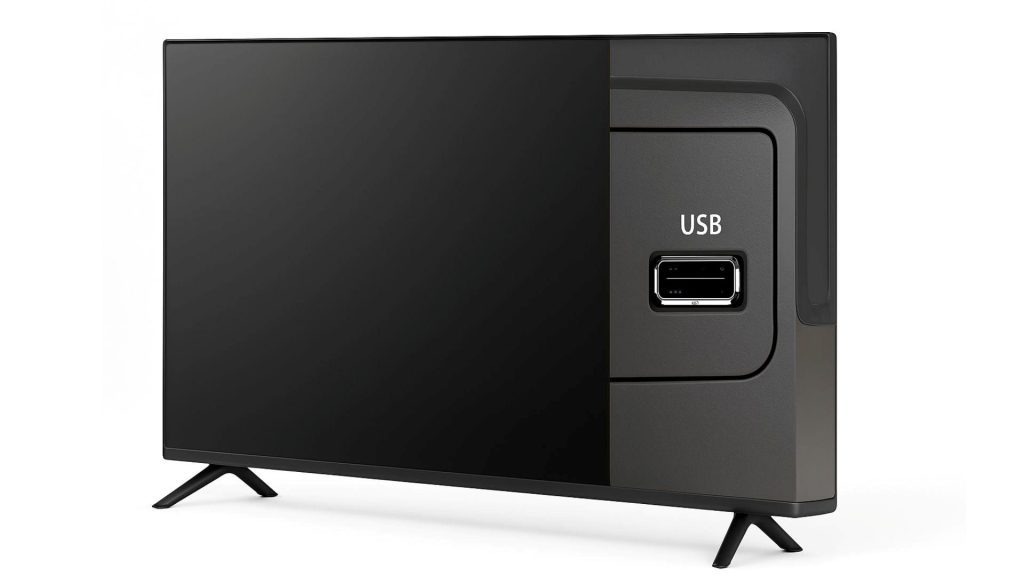
Any smart TV, from the best smart TV to the most basic, tell at least a USB port. However, due to the massification and expansion of streaming platforms in Spain and the rest of the world, this Puerto usually goes unnoticed, which means that you are missing a very useful addition of your TV.
Therefore, if you want to make the most of everything your smart TV offers, in this article we will explain what you can do thanks to the USB port of the TV. It is a versatile port that will allow you to do various interesting things.
Everything offered by the USB port of your smart TV
The USB port of your smart TV is able to perform various tasks, such as:
- Content reproduction: You can see movies, series, documentaries and any video you have saved in a pendrive or external storage disc. Logically, it will also help you play music in MP3 format and view images.
- Load devices: Teams such as the Amazon Fire Stick and the Google TV Streamer, have the ability to connect to a USB port to receive energy. This means that, if the television port supplies enough energy, you can connect the device directly and you will not depend on a power outlet, which is useful to save space.
- Program recording: A lot of smart TV allow you to record content through a pendrive or external hard drive when you connect it to the USB port. In this way, if you are home and you cannot see your favorite program, thanks to this port you will easily record it to visualize it whenever you want.
- Connect a peripheral: TVs with Android TV or Google TV allow connecting keyboards, mice and web cameras through the USB port. Thus, if you wish, you can handle the TV platform through a mouse if you want to expedite any process, such as playing music or playing a particular video game with the mouse.
- Firmware update: This is one of the most important functions, since, if for any problem or limitation, your Smart TV cannot automatically update its operating system, you can use the USB port to connect a pendrive with the latest television firmware and force the installation. Thanks to this, you will keep updated and avoid annoying failures caused by a outdated platform.
- Add new wallpapers: If you are one of the people left by the Smart TV on for hours by reproducing a wallpaper, you can add more wallpapers with a pendrive. You just have to download them in the memory and connect it to the TV to add them to the TV system. With this simple trick you could add hundreds of wallpapers easily.
- Decoration and customization: If you have LED strips or lamps with environmental light that receive energy through a USB port, you should only connect them to the port of your television so that the background lights that your TV will have and arrange. It seems a minor detail, but the truth is that having good ambient lighting at night will allow you to improve the display of the content reproduced on the screen of your Smart TV.
Leave a Reply