
Linux distributions are versions of the Linux operating system adapted to different uses, such as office automation, file management, programming, and many more.
You can use them on your computer to improve performance and fix the bugs of other operating systems. Or also if your software has been left without official support.
This is what happens with Windows 10. Microsoft no longer offers support, and although you can still get extended support for Windows 10 for free, the truth is that the operating system no longer receives improvements from its creator. This means that if your PC doesn't support Windows 11, you'll be stuck with the latest version of Windows 10 you received.
In this case, one of the best options you have at your disposal are Linux distributions, so you won't be left behind in Windows 10.
Recommended Linux versions
The following Linux distributions stand out for their stability, security, efficiency and light weight of the operating system:
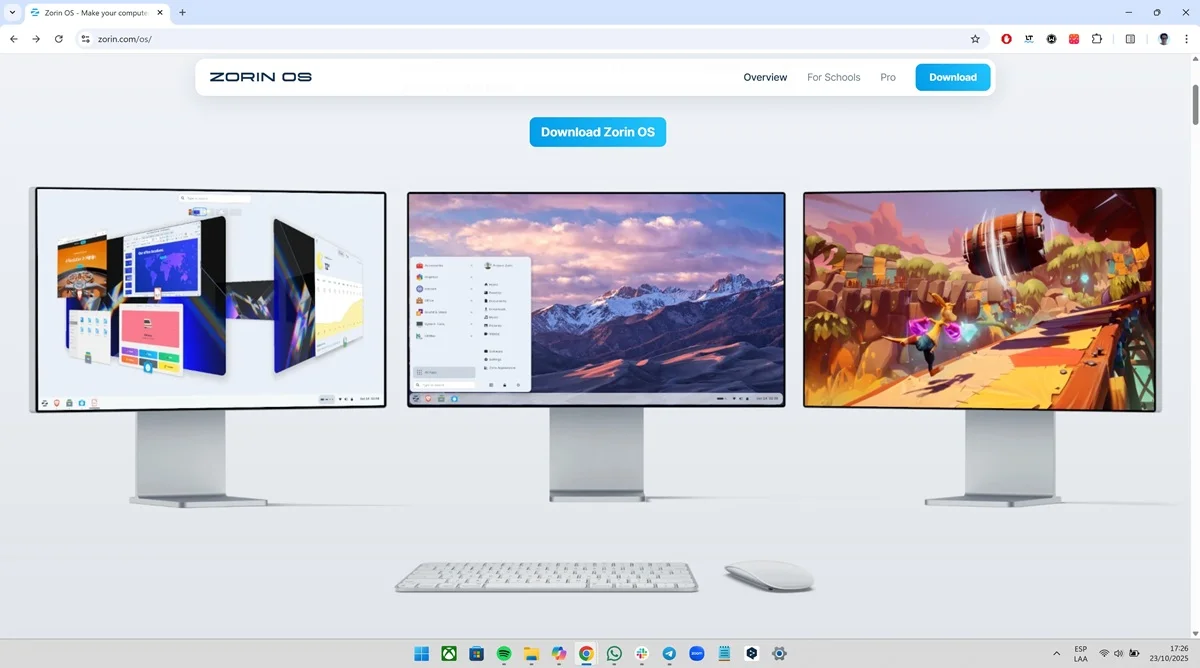
Zorin OS
It is preferred by many because it is made for users who migrate from Windows. For this reason, the platform options allow you to modify the graphical interface to resemble Windows 10, Windows 11, and even macOS. Another advantage is its compatibility with various Windows programs, since they can be installed through Wine and PlayOnLinux.
Zorin OS is made based on Ubuntu, for this reason, the system is characterized by its security and stability. Likewise, the entire Windows Office package can be installed on the platform, which will allow you to do work related to office automation without any problem. The requirements to install Zorin OS are 2 GB of RAM, 20 GB of storage and 800 x 600 display.
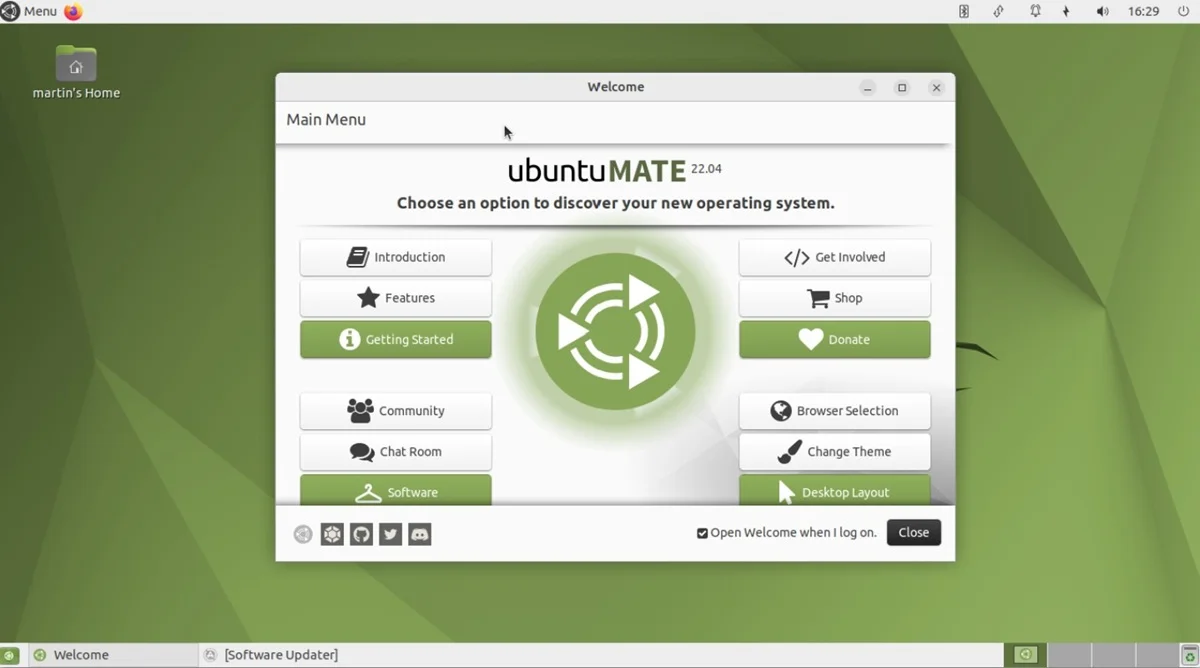
Ubuntu MATE
It is an official variant of Ubuntu that has the advantage of the MATE desktop, which is light and customizable, ideal for basic or less powerful computers. In addition, the desktop is organized in the purest Windows XP style, which will be familiar to any user migrating from Windows.
The best thing about this version of Ubuntu is that it is supported by Canonical, this means that it receives security updates and patches that improve the performance and stability of the OS. Ubuntu MATE is the ideal option for those looking for productivity, stability and lightness. The system requires 2 GB of RAM, 25 GB of storage and a 1024 x 768 display.
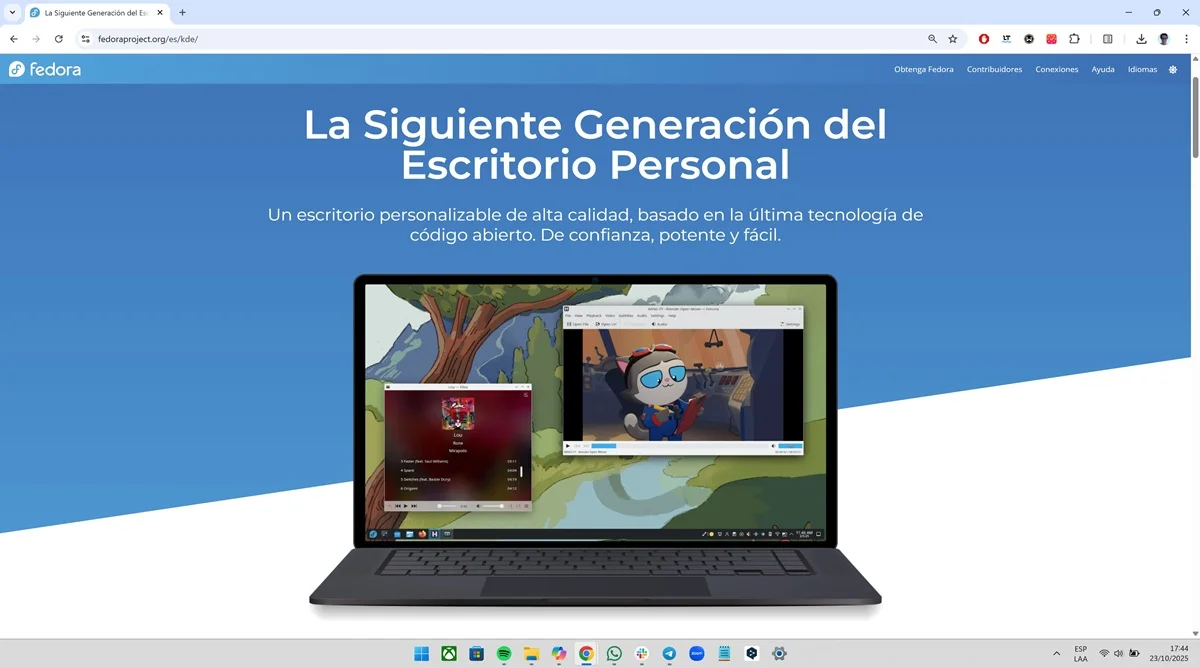
fedora
It is an operating system that is supported by Red Hat, for this reason, it is constantly updated and is always at the forefront. Fedora takes care of even the smallest detail, which is why users receive the latest versions of the kernel every month and can also download new environments for the desktop, so that it adapts to what they require.
Note that the default desktop of this Linux distribution is GNOME, which has an intuitive, minimalist, light and orderly design. Fedora is ideal for developers because it functions as a competent program testing environment thanks to the integration of Red Hat Enterprise Linux. Its minimum requirements are 2 GB of RAM, 15 GB of memory and 1024 x 768 screen.
Puppy Linux
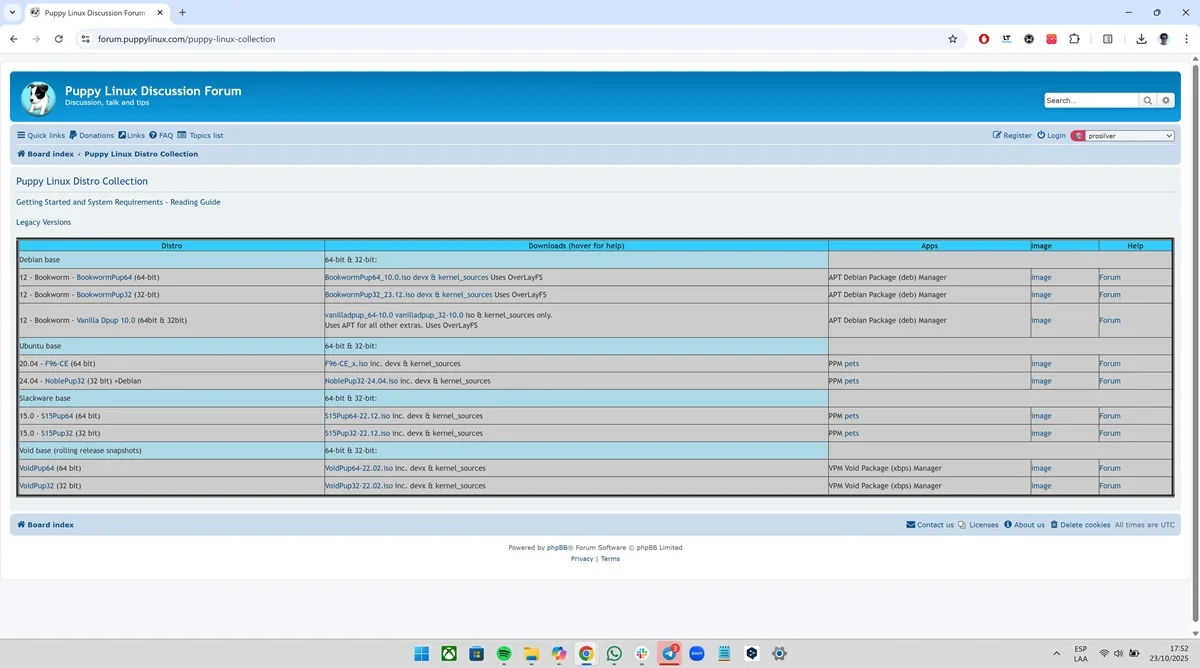
Puppy Linux is the OS par excellence for underpowered computers or for users who want an extremely light system that does not consume resources. The platform can run directly from RAM, meaning the interface excels at being fast, even on older computers that no longer have any support.
The goal of Puppy Linux is to give a second life to basic or old computers. For this reason, it can be used as a portable system on a USB, as it is capable of being deployed in a matter of seconds. To run properly, the system only needs to have 256 MB of RAM, 600 MB of storage and an 800 x 600 screen.
Linux Mint
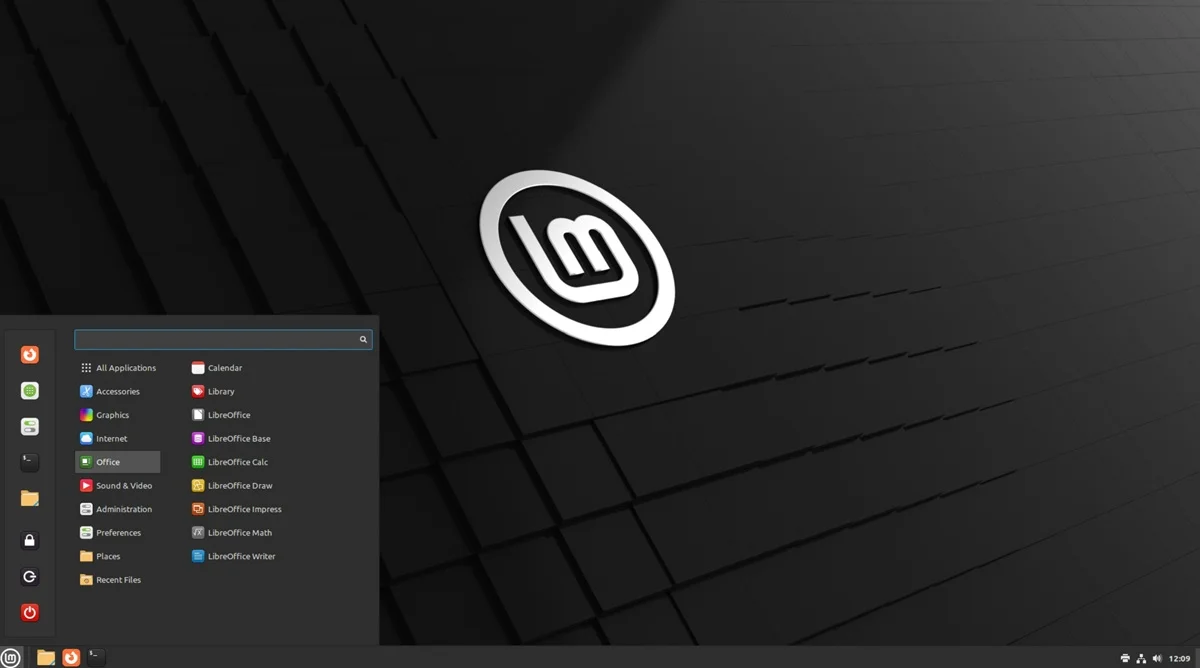
It is one of the most sought after by users because it offers great stability and is easy to use, something that is appreciated in systems like Linux. To adapt to any objective, Linux Mint has three desktops: Cinnamon (modern), MATE (light) and XFCE (ultralight). This way, the OS can be attached to a basic PC without problems.
A great advantage of Linux Mint is that it has a very active community behind it. Thanks to this, you will get all kinds of updates, mods, tips, documentation and support on hundreds of websites on the Internet. Likewise, the OS has its own update system, which will allow you to receive improvements easily. Linux Mint requires 2GB of RAM, 20GB of memory, and a 1024 x 768 display.
MX Linux
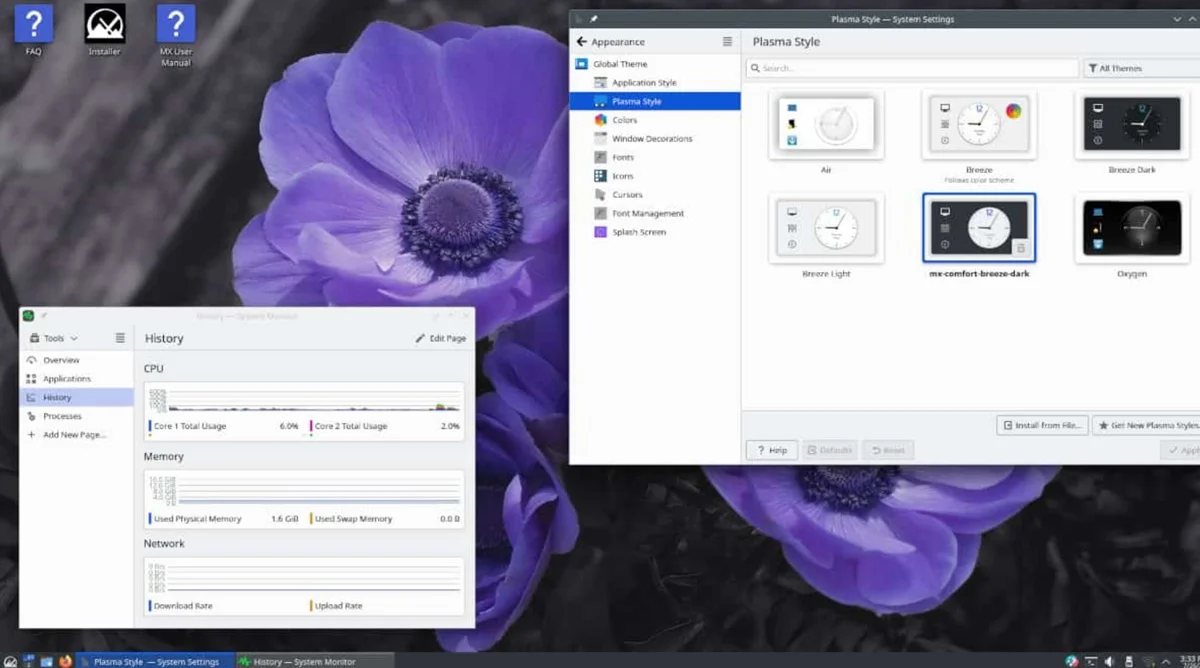
We arrive at a Linux distribution based on Debian, an ideal system for underpowered or old computers because it consumes very few resources. As the main desktop, MX Linux uses XFCE and also has KDE and Fluxbox tools that facilitate the process of customizing and configuring OS tools.
An advantage of MX Linux is that, in addition to being lightweight, it is also stable, so it can be used completely normally, since the platform is practically free of freezes, crashes and background processing errors. Note that this distribution has modern utilities and has support for new apps. Its minimum requirements are 1 GB of RAM, 5 GB of storage, and a 1024 x 768 display.
Leave a Reply