
While the Chromebooks execute Android games, you can go one step further if you want to have access to more video games ... And these computers are also compatible with a wide variety of emulators who offer a catalog of classical titles and retro of consoles such as PS1, Nintendo 64, Atari, Snes, among others.
In addition, as are old video games with simple graphics, this means that you can run them on cheap Chromebook computers without any problem, since you will not need to have a powerful CPU or GPU to play in conditions.
Therefore, if you like old games and want to play a good time in your Chromebook without demanding too much, the emulators that we will recommend below will allow you to fulfill your task without problems.
Gaming emulators recommended for chromebooks
The following emulators stand out for their stability, security and compatibility with an immense amount of retro video games:
Retroarch
This is the most complete platform to emulate because it has the ability to centralize multiple emulators in one place. In addition, Retroarch is compatible with a large number of systems, such as Game Boy, PS1, Nintendo 64, SNES, Sega Mega Drive ... The app has automatic save, online multiplayer, game recording, supports Bluetooth controls, among others.

Nes.emu
As the name implies, it is an emulator designed to run old Nintendo games that are 8 bits. The platform can read compressed files, supports games in .FDs format, has the ability to emulate arcade machines based on NES, admits tricks and fast saved, includes control support and buttons can be mapping.

Eclipse
It is a web -based emulator, which means that you should not install any program in the Chromebook. The program is compatible with SNES games, Game Boy, Nes, Sega Master System and Atari. Eclipse can load Roms, execute the cloud games library, guard and load games, the action buttons can be customized and supports controls.
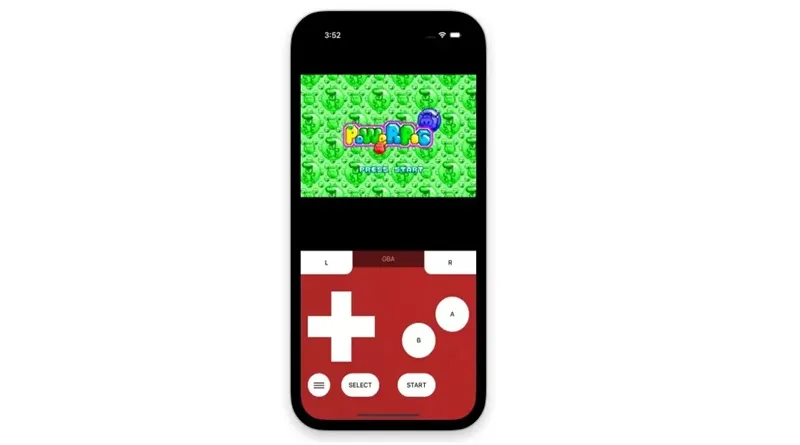
Drastic DS Emulator
Currently, it is the most complete Nintendo DS emulator because the platform stands out because it is stable and is intuitive. The application allows you to upload the games resolution, the screen size can be adjusted, it has advanced save, it offers support for tricks, it is compatible with Bluetooth controls and does not require additional files to function.
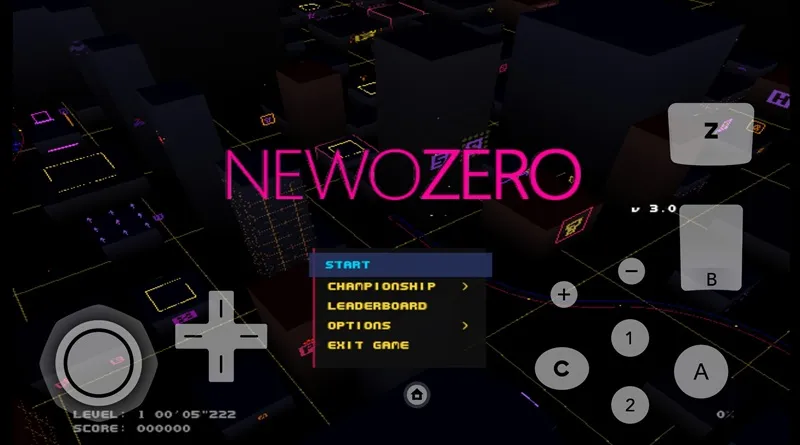
Dolphin Emulator
It is an emulator that focuses completely on emulating Nintendo Gamecube and Wii titles. Within Dolphin Emulator you can recess the games up to 4K, it offers filters for textures, it has save and automatic load, it has support to play online, the platform admits the use of mods and is compatible with all kinds of controls, mice and keyboards.
PPSSPP
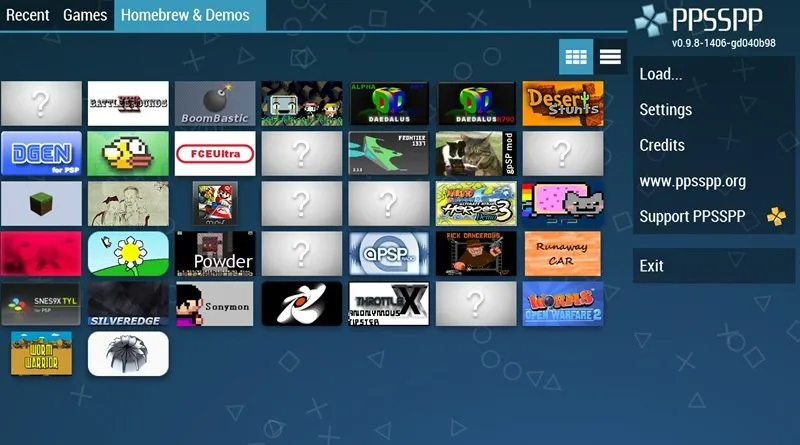
PPSSPP is the most efficient and complete emulator for portable playstation games. It has a catalog of more than 1000 games, you can recess the titles up to 4K, allows you to add textures and shaders. In addition, you can also save the games at any time and you can create rooms to play online with your friends and family.
SNES9xex+
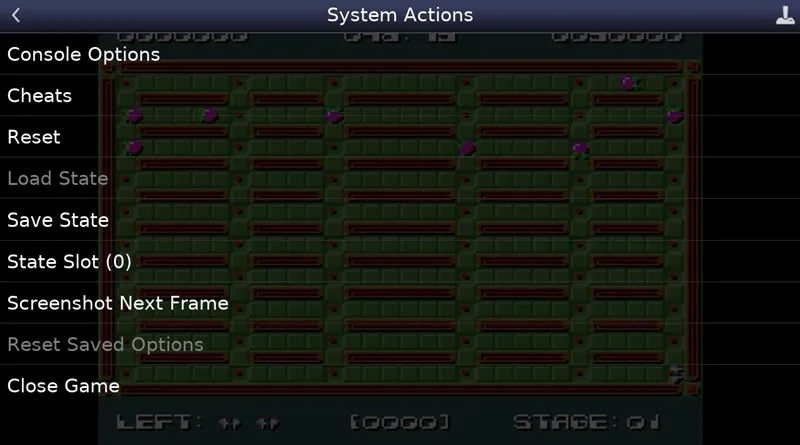
We close with an emulator that will help you emulate SNES games (Super Nintendo). It is one of the most complete because it offers the following: support for compressed files, automatic saved, admits tricks, you can match Bluetooth controls and provide the possibility of saving games in a microSD.
Leave a Reply