
Maybe you didn't know it, but there are programs that allow you to scan the temperature of your computer's CPU. They are monitoring applications that have the ability to control the hardware of your computer and can read the internal sensors of the processor and other components to detect the heat generated, which is useful to prevent overheating, improve performance and extend the life of the PC.
In addition to the CPU, you will also be able to monitor the heat produced by the GPU when running video games, which will be of great help to protect the integrity of the PC's graphics card. In this article you will learn which are the best apps that you can install on your computer to probe the real temperature of the equipment at any time.
Recommended apps to monitor CPU temperature
The following programs will show you the temperature of your computer's CPU and GPU in real time:
MSI Afterburner
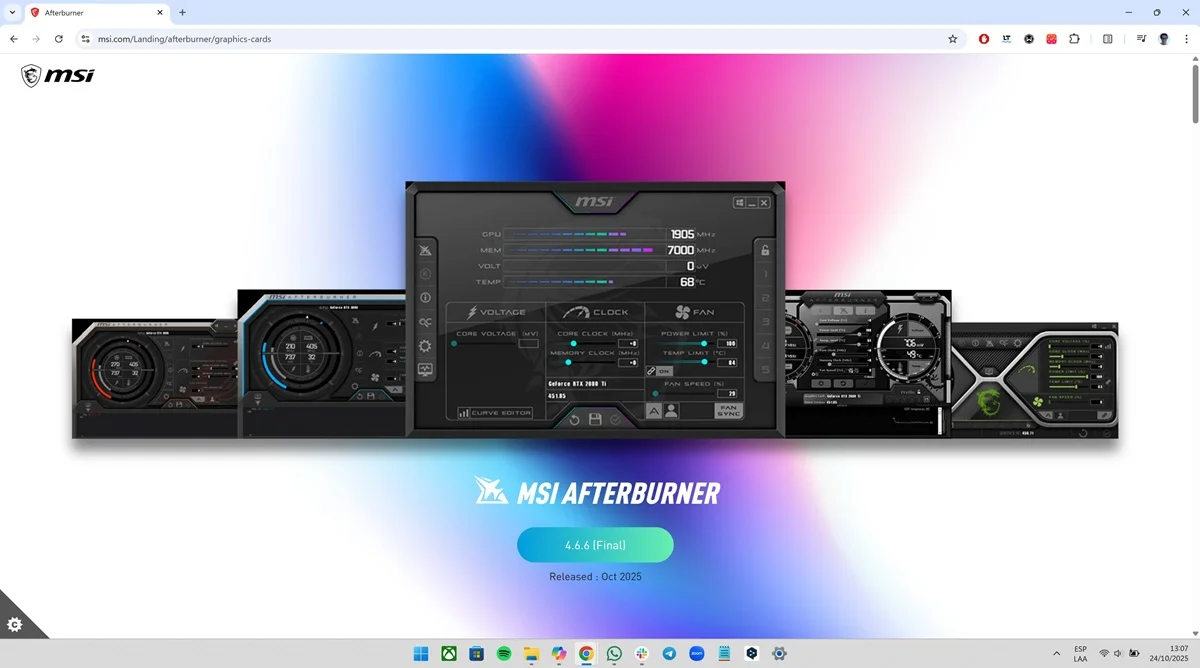
This is a program developed by the Taiwanese company MSI that has the ability to monitor the temperature of the CPU and GPU of the PC. It also serves to create performance profiles that are useful when playing, since you can configure the performance of the fans, as well as the voltage that the CPU will receive.
MSI Afterburner is a platform designed for video games, since it goes beyond temperatures. The app can also display other valuable real-time data, such as the game's average fps, VRAM consumption and caching, how much power the GPU is using each second, and more.
HWMonitor
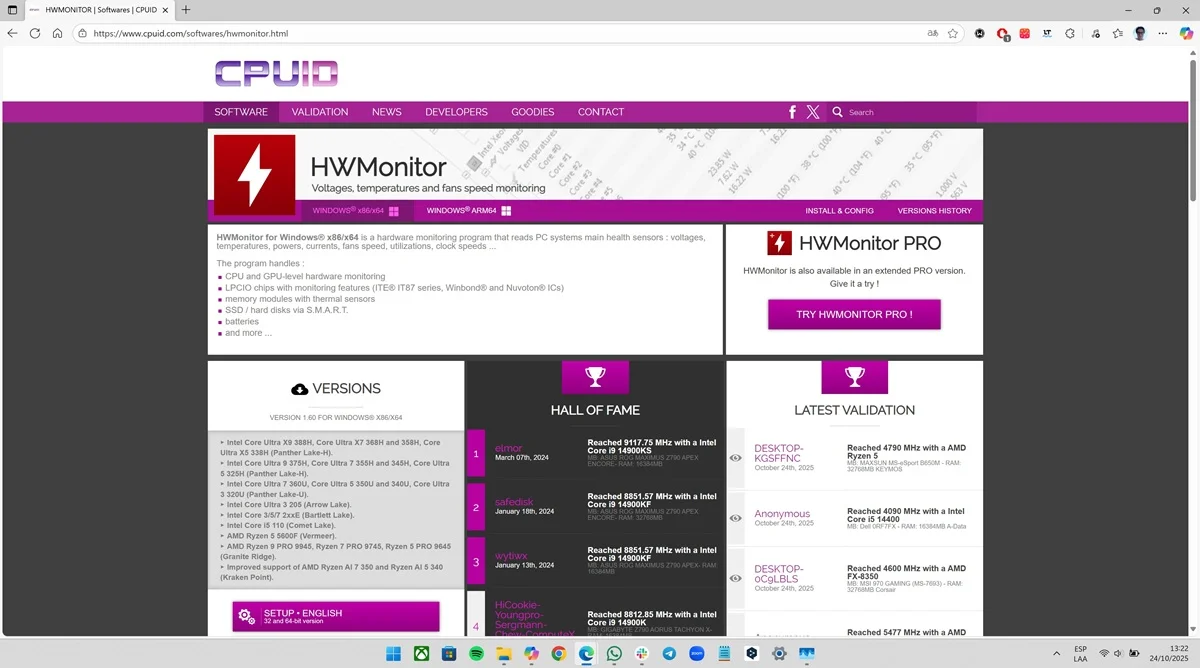
It is a program created by CPUID and is made to expose the temperature of various computer components, such as the motherboard, CPU, GPU, disks, and even power supplies. Within the platform you will access real-time data on the heat generated by the PC, as well as voltage, electrical consumption, fan speed and clock frequencies.
The main advantage of HWMonitor is that it is a lightweight program that will not consume your computer's RAM. Thanks to this, you can use it quietly in the background while you play or perform demanding tasks. The app is made for all those people who are looking for an intuitive and easy-to-configure app, since it does everything automatically.
Core Temp
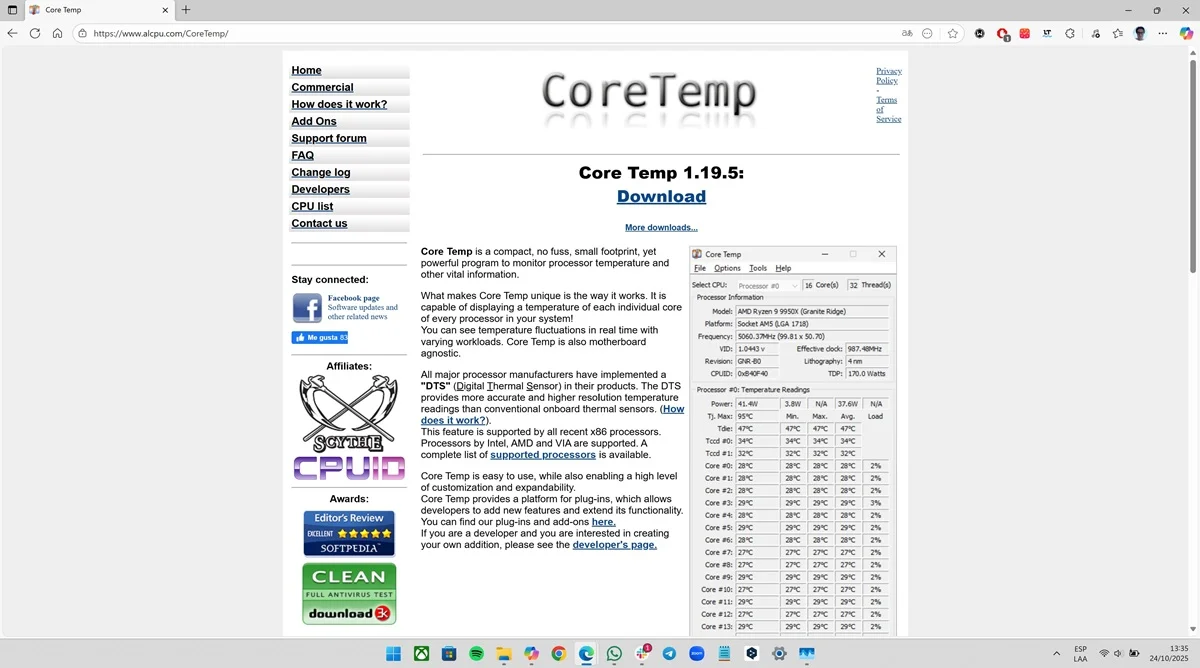
The main quality of Core Temp is that it will display the temperature of each of the CPU cores, thanks to the internal sensors that Intel and AMD processors have. Within the platform you will obtain information about the maximum and minimum temperatures, the workload of each core and you will also be able to configure overheating alarms.
Core Temp is aimed at users who apply "overclocking" or perform CPU performance tests, since the platform will give them detailed and precise information about the temperatures emitted by the processor, both in general and the cores that compose it. Note that the app has low consumption and can be used in the background.
Real Temp
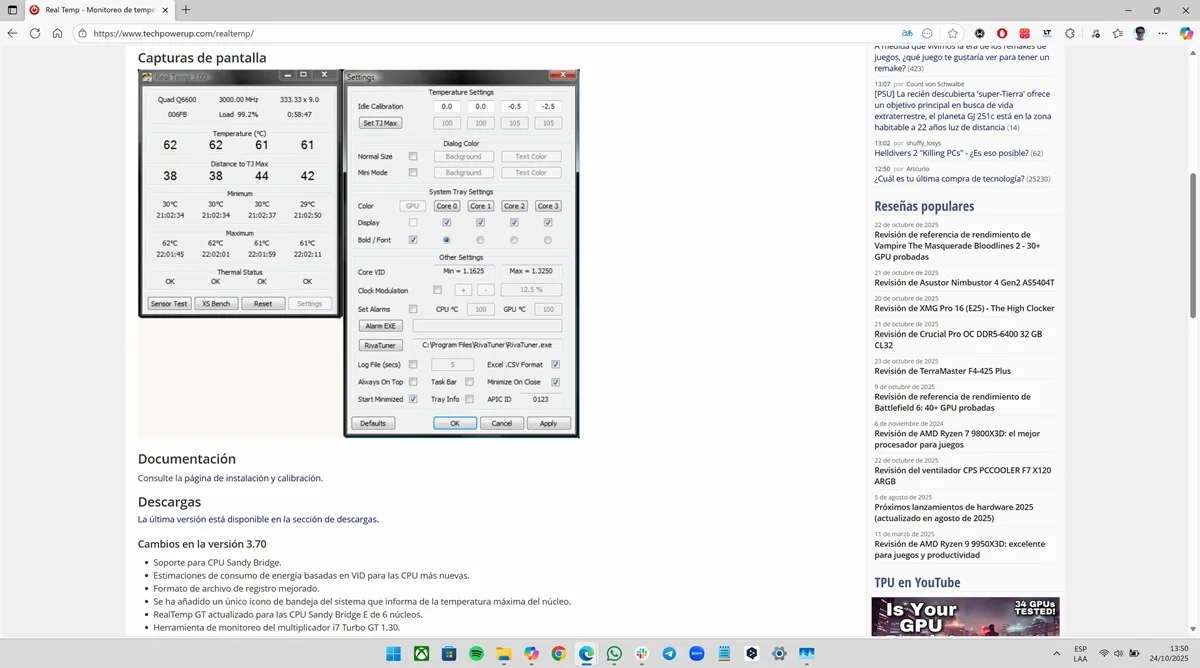
If you have an Intel processor, this is one of the most complete programs you can use. Real Temp is made to measure the temperature of the following CPUs: Core i5, i7, i9 and earlier series. Within the platform you will have information on the minimum and maximum temperatures of each core, which will help you monitor the behavior of the processor.
So, if you have an Intel CPU, Real Temp will give you accurate data so you know the real temperature of the CPU. This will be useful when overclocking, since you will be well informed and will keep an eye on all the details to keep any anomaly that compromises the integrity of the PC at bay.
Speccy
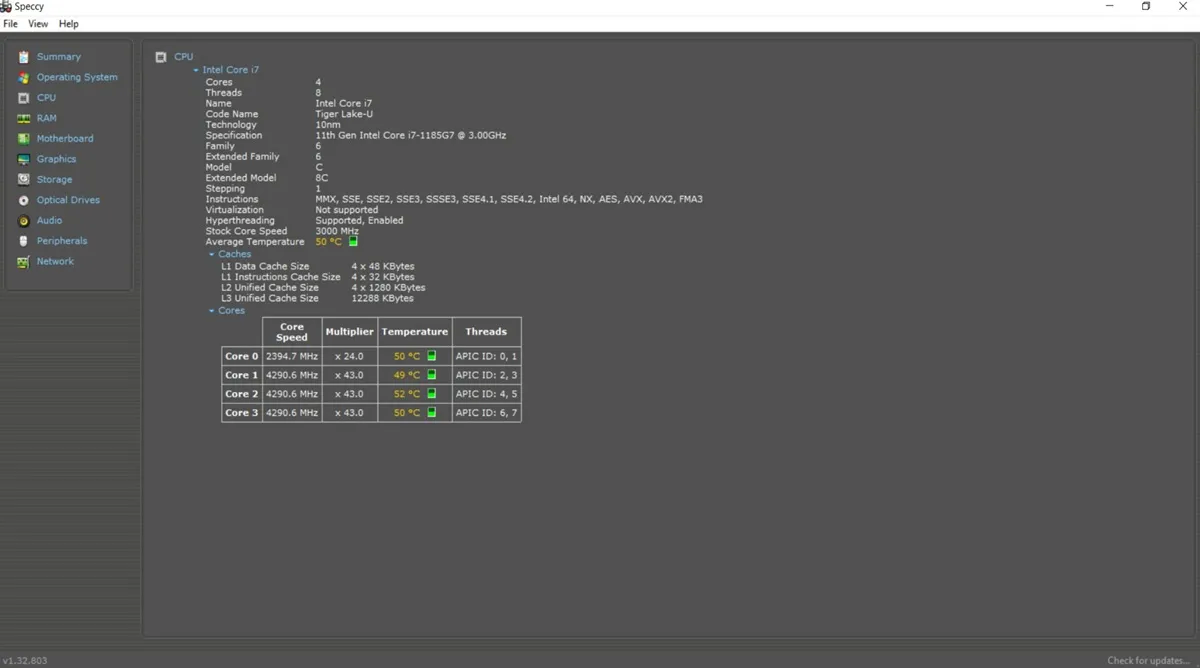
We close with a program developed by Piriform that works as a platform that will display the real-time temperature of the CPU, GPU, motherboard, RAM and disks. However, the app not only focuses on the temperature of the components, but will also give you data on frequencies, voltages, and storage status.
An advantage of Speccy is that it allows you to export the data you obtain through reports in .TXT or XML format. If you want a general analysis of your PC's performance, this is one of the most competent programs you have at your disposal right now. It will help you know the values that the computer returns in detail without having to install anything else.
Leave a Reply