

The password managers They allow you to save and manage in one place the different passwords for all the online services, applications or subscriptions you have.
This way, you won't have to have them written down in a notebook - something not recommended - nor will you have to remember all of them. You just have to know one, that of the password manager, so that it fills it in automatically.
In addition to making your life easier, they are also services that allow you to have passwords with greater security by being able to combine series of characters, numbers and symbols without having to memorize them.
These managers can be used on different devices (computers, mobile phones, tablets...) and there are all types of them: from free online versions to paid programs that will do much more than just manage your credentials.
Until a few years ago, Lastpass was the most popular service, but its free version closed. That is why in this article you will find recommended password managers, so you can choose the one that best suits your needs.
Recommended password managers
Get to know these password managers available on the Internet that offer their services for free.
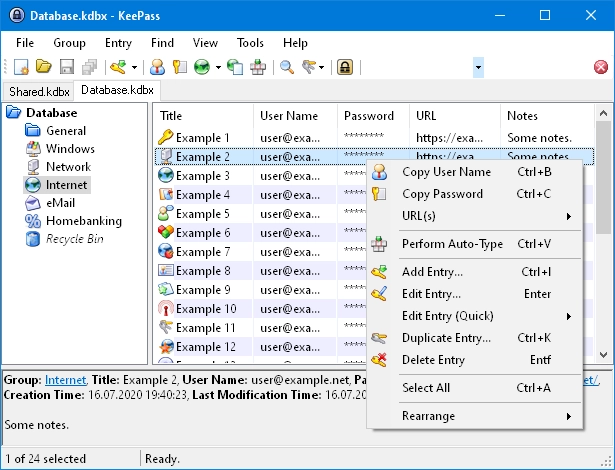
Keepass
It is free and Open Source. It does not store passwords in its own Cloud but rather allows you to keep the keys in a local file protected with encryption. Thanks to this, it allows you to manually transfer them from one device to another.
But the good thing is that this master file, in addition to being saved on the computer or mobile device itself, can also be kept in Cloud storage services such as Dropbox, OneDrive or Google Drive.
Nordpass
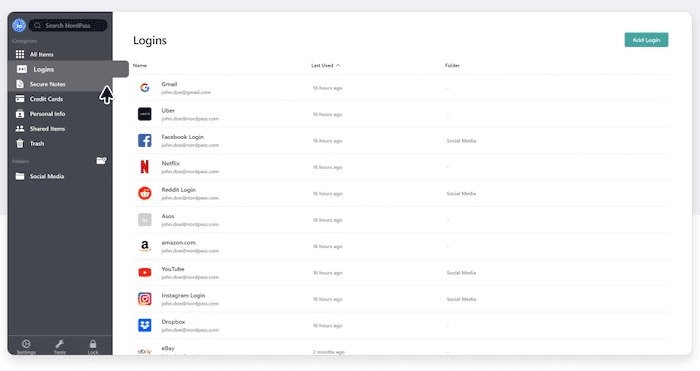
In the free version of this password manager you have no limit on the number of devices on which you can store your keys. Of course, you can only use one device at a time, which prevents you from accessing it from two or more computers simultaneously.
To prevent the session from being closed on the other device where it was left open, you will have to subscribe to a paid version of this service, which will give you access to numerous additional features.
Enpass
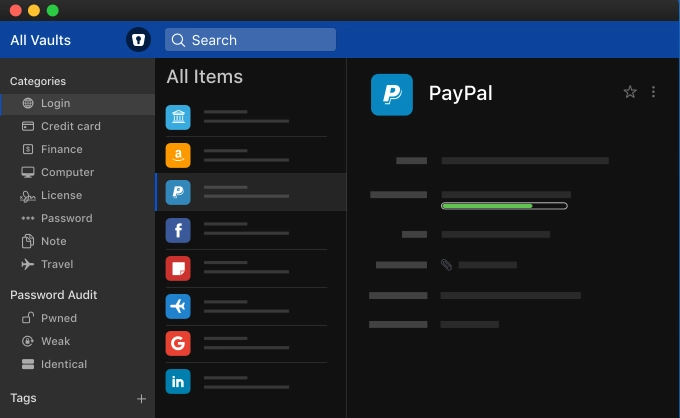
It is another free, cross-platform service that stores passwords both remotely and locally, including the Cloud. The free mode operates only on desktop versions and is compatible with Windows, macOS and Linux operating systems.
If you want to have access to additional features or use it on mobile devices, you will have to get a paid version.
iCloud Keychain
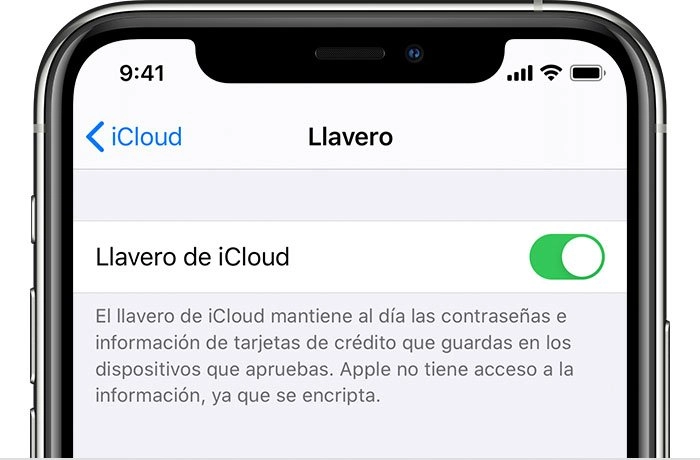
Apple users, both on macOS, iOS and iPadOS, can store and manage passwords, as well as credit card information or even the keys for the different WiFi networks that are frequently used, in iCloud Keychain.
You can access this password store from any Apple device by unlocking it with facial recognition or fingerprint, and even with a TouchID sensor on Mac computers that have it. If not, you will need your iCloud password.
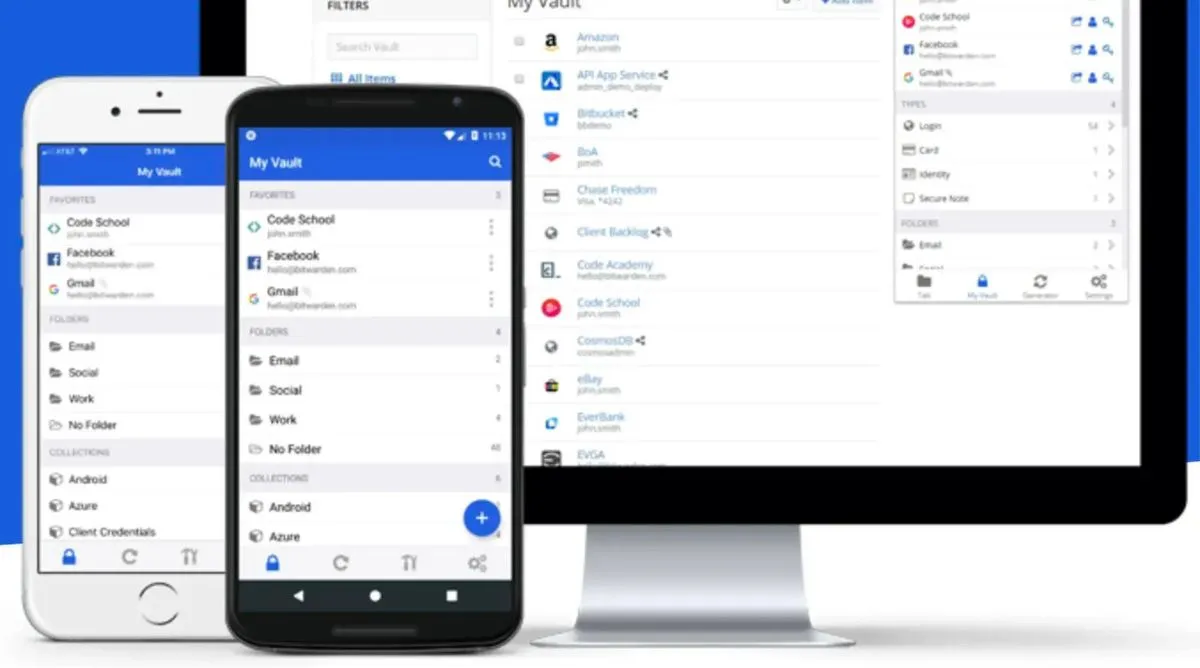
Bitwarden
Free and open source password manager. It allows synchronization between different devices and you can save an unlimited number of objects and automated generation passwords.
It has a free version and two paid options that expand the capacity of the virtual encrypted data storage space and allow you to share the account with other users.
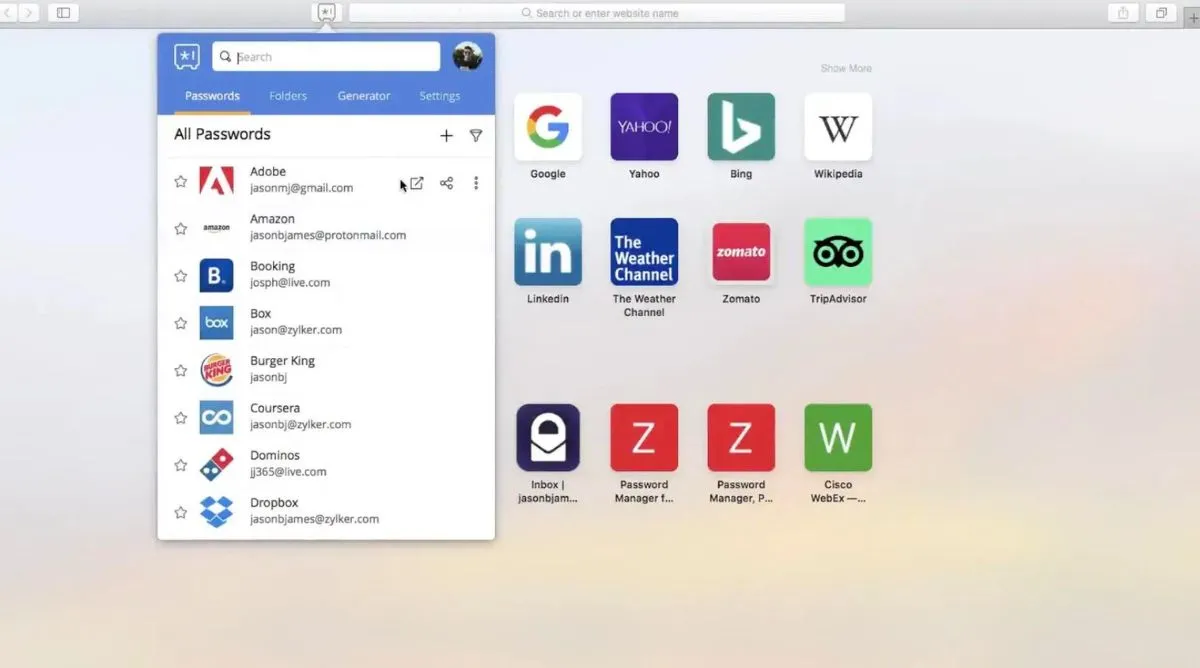
Zoho Vault
It is part of the Zoho productivity suite - Includes unlimited password and note storage, with synchronization between computers and mobile devices. Employs two-factor authentication and secure password generation.
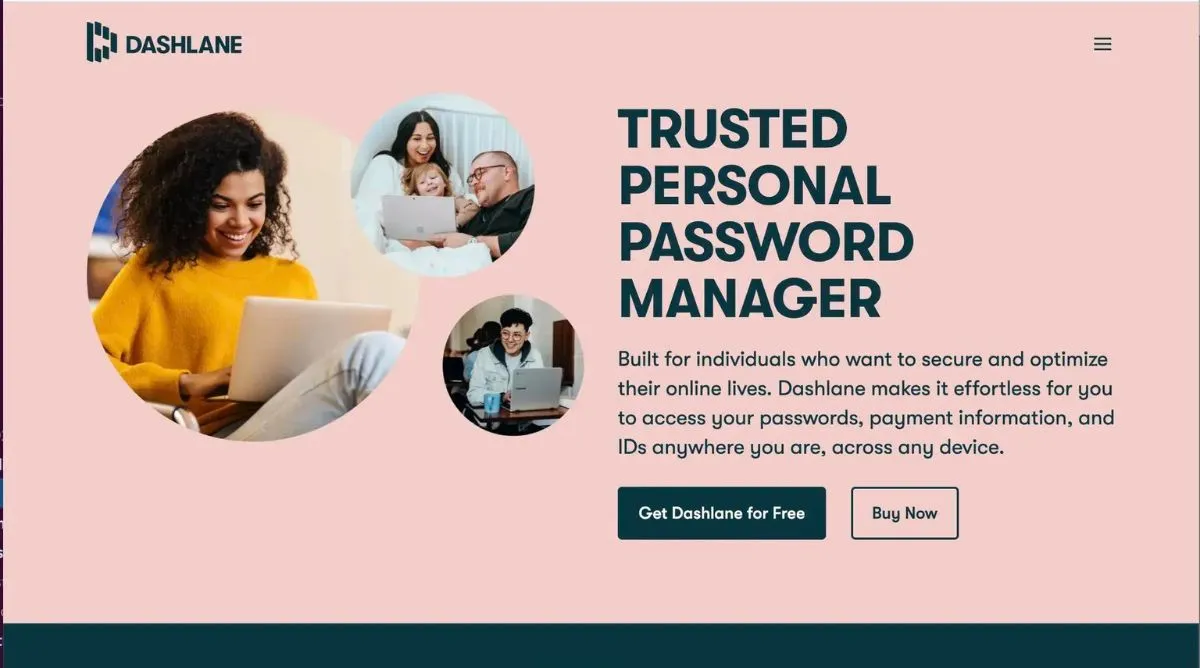
Dashlane
With the free version you will now have access to password autofill, but on a single device. Generates passwords with two-factor authentication and includes 1 Gb of encrypted note storage space, reports in case of security breach.
With pricing plans (monthly and annual) you can expand the number of users and devices. The most attractive thing is its VPN and Dark Web monitoring, this makes it possible for the user to know if their personal information is being stolen and shared on some undesirable site.
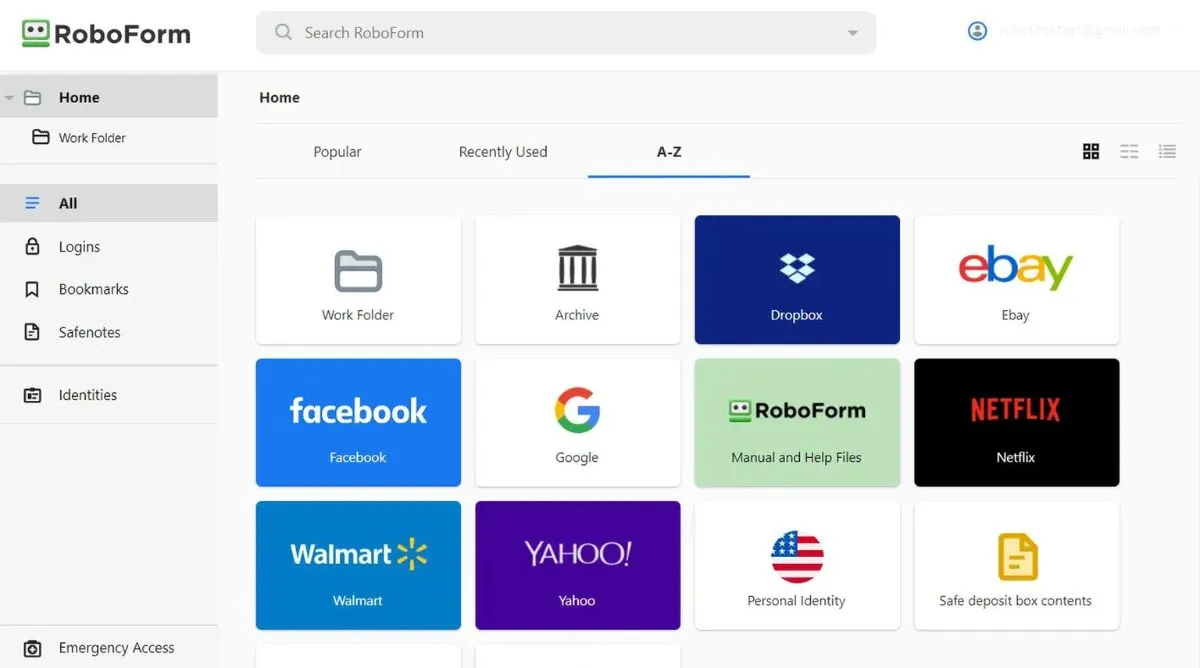
RoboForm Password Manager
Its free version has unlimited passwords but does not synchronize between different devices. To access this option, you need an annual subscription, which will also allow you to enjoy Cloud backups and two-factor authentication.
Leave a Reply